Your data,
where you need it

PocketSync streams Apple Health metrics to Home Assistant, Google Sheets, and custom webhooks. Now with Cloud Sync — transfer files, contacts, and calendars between Google, Microsoft, Dropbox, Box, and CardDAV providers directly from your phone.
Encrypted transfers
50+ health metrics
Automatic sync
4 cloud providers
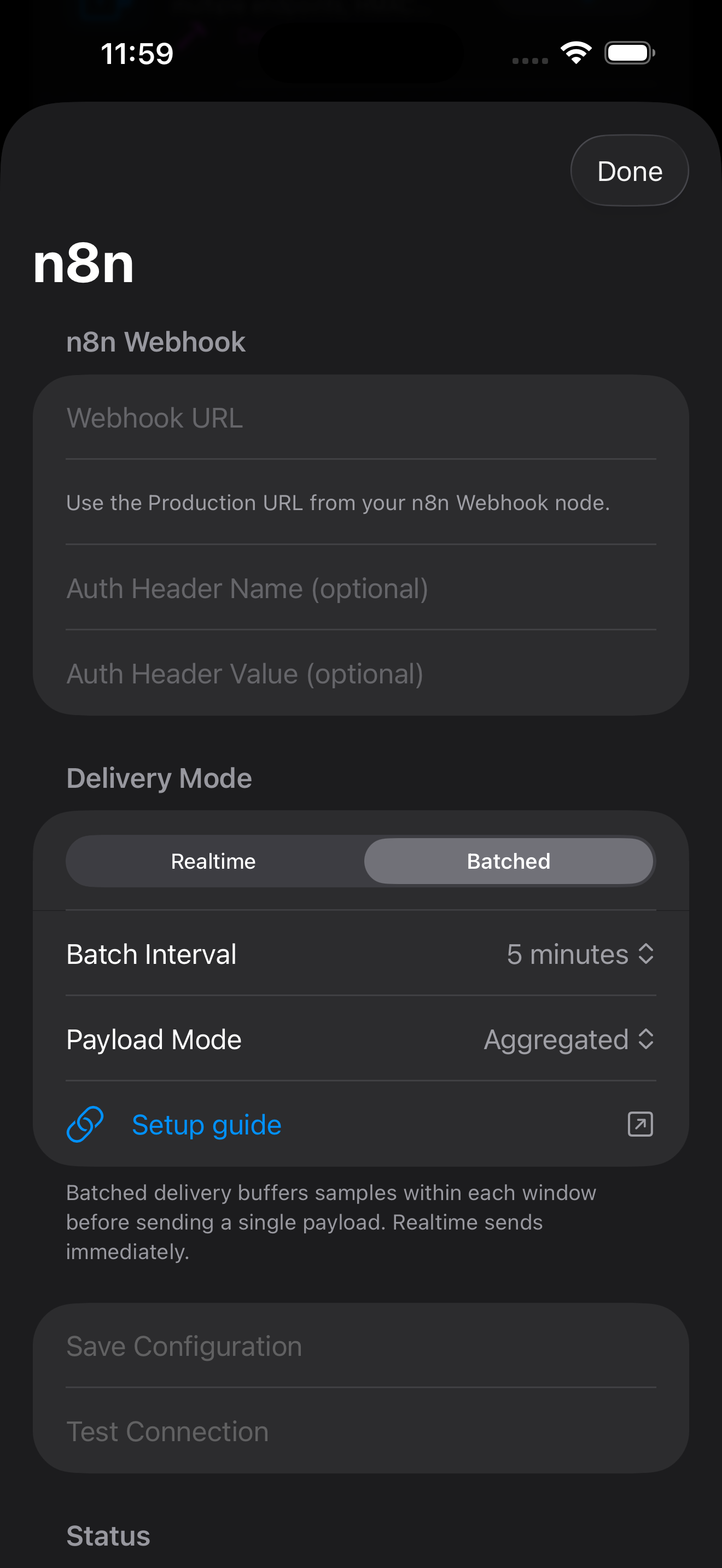
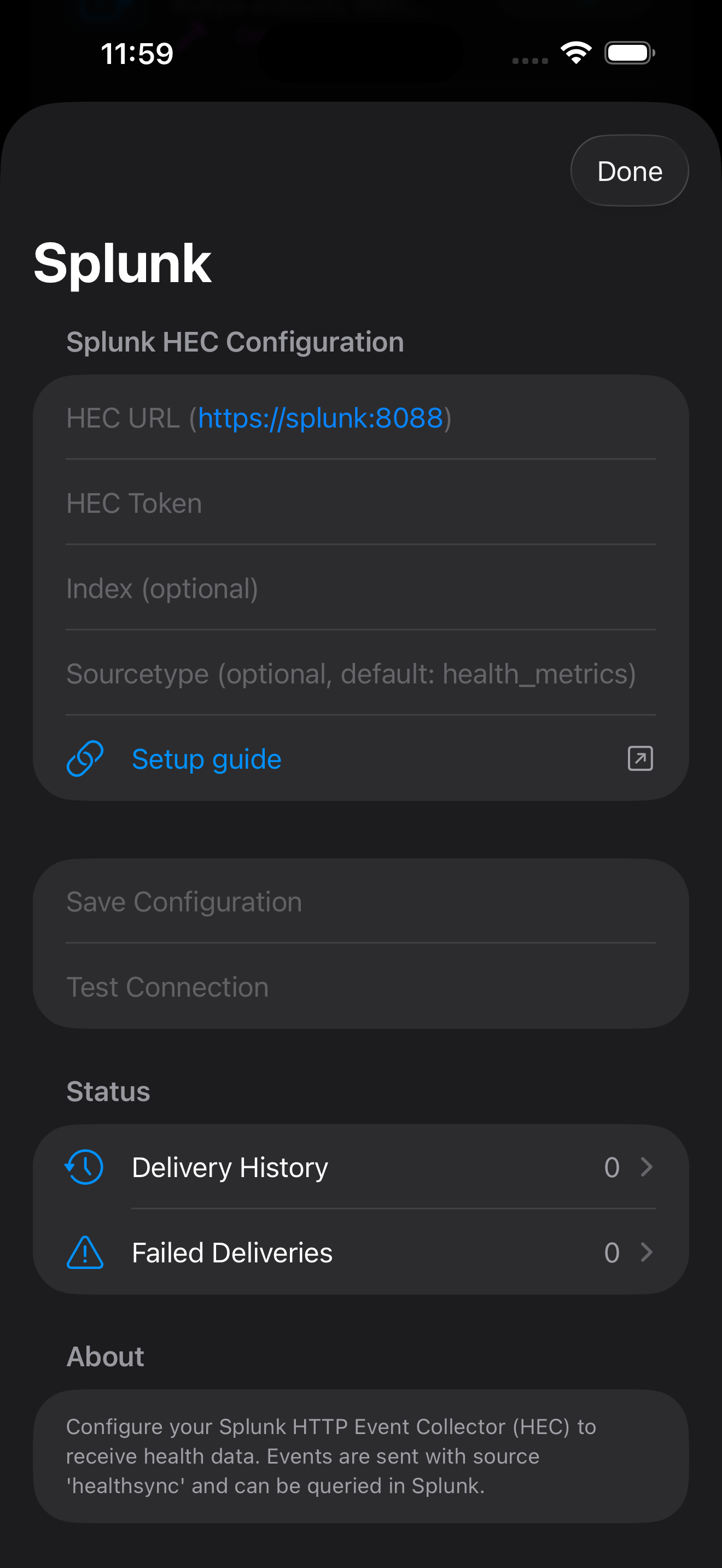
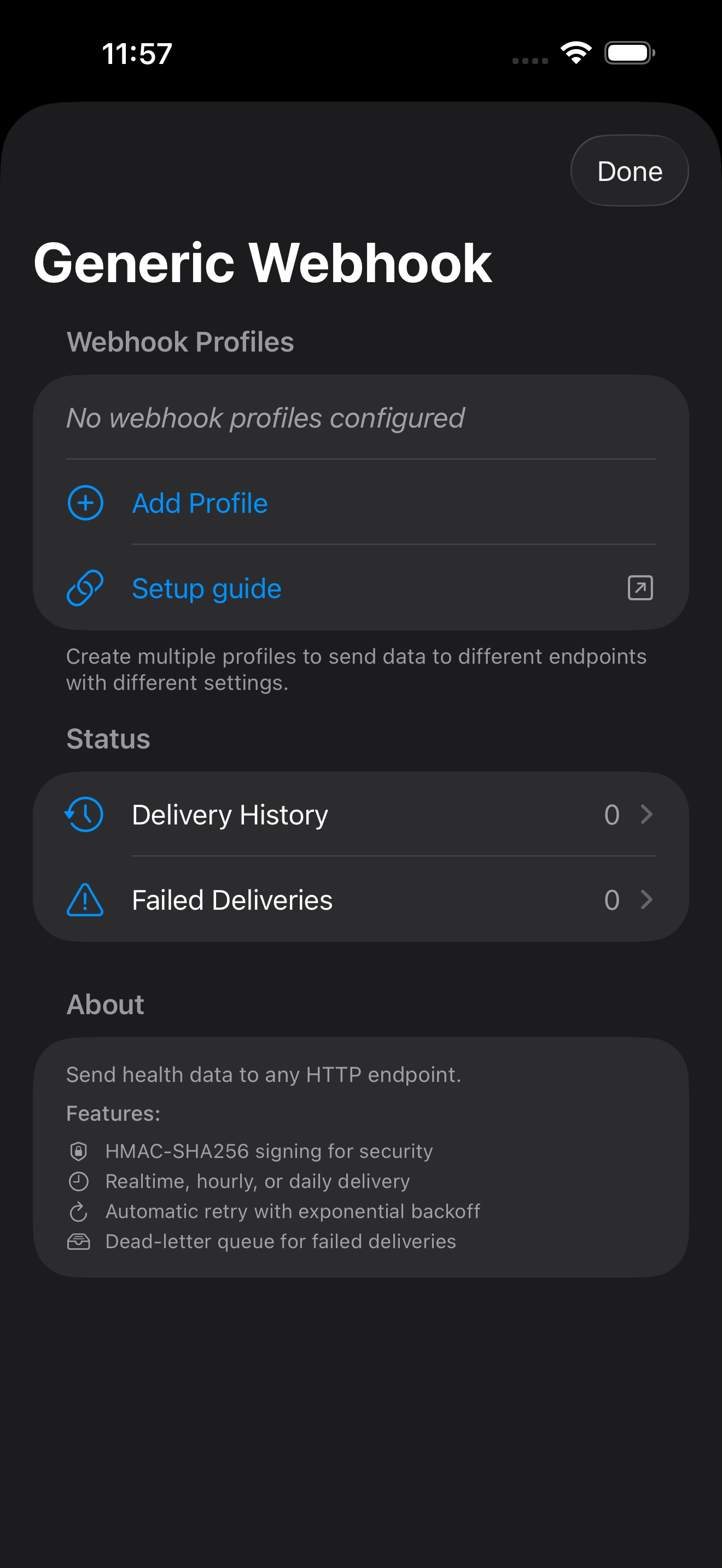
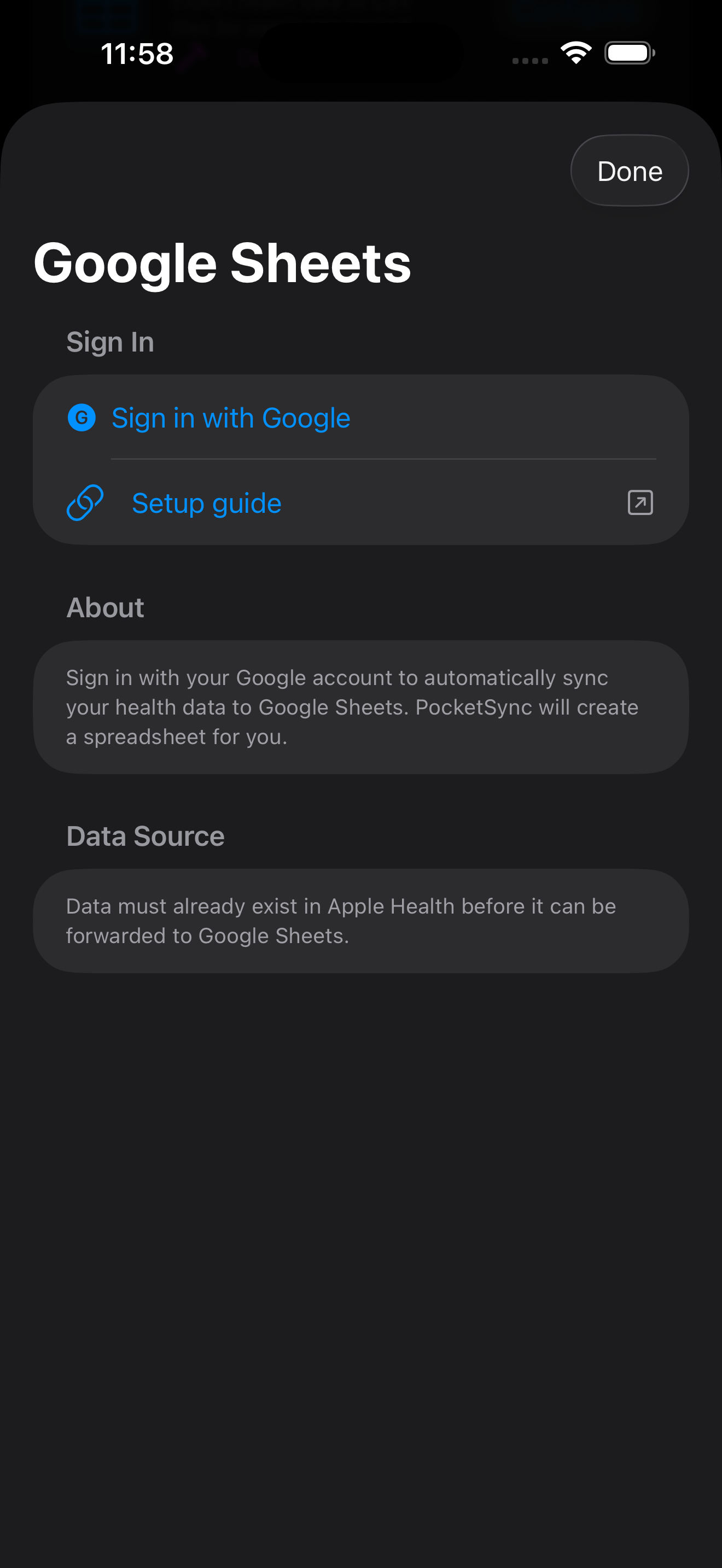
PocketSync Google Sheets integration PocketSync CSV export PocketSync n8n integration PocketSync Splunk integration PocketSync webhook integration

Sync Files, Contacts & Calendars Across Providers

Connect your cloud accounts and create sync jobs to transfer files, contacts, and calendars between them. PocketSync handles the rest.

Google

Drive, Contacts, Calendar

Microsoft

OneDrive, Outlook Contacts & Calendar

Dropbox

File sync with delta tracking

Box

File sync with cursors

CardDAV / CalDAV

Any compatible server

Files: Copy or Mirror

Copy mode adds new files without deleting. Mirror mode keeps an exact replica of your source folder.

Contacts & Calendars

Sync contacts and calendar events between Google, Microsoft, and any CardDAV/CalDAV-compatible provider.

Automatic Scheduling

Sync jobs run automatically every 5 minutes. Trigger a manual sync any time from the app.

Encrypted at Rest

OAuth tokens are AES-256-GCM encrypted before storage. Data transfers through encrypted channels.

Setup Guides

How to Connect a Cloud Account

  1. Open PocketSync and tap the Cloud Sync tab at the bottom of the screen. If this is your first time, you will see a welcome screen prompting you to connect an account.

  2. Tap "Manage Accounts" or the + button to open the connections screen. You will see a list of supported providers: Google Drive, OneDrive, Dropbox, and Box.

  3. Tap "Connect" next to the provider you want to link. PocketSync will open a secure browser window to the provider's OAuth sign-in page.

  4. Sign in to your cloud account and authorize PocketSync to access your files. Each provider requests only the permissions needed for file browsing and transfer.

  5. Return to PocketSync. After authorization, the browser will close automatically and your account will appear in the connections list showing your name and email.

  6. Repeat for additional accounts. You can connect multiple accounts from the same or different providers. For example, connect both a personal Google Drive and a work OneDrive to sync between them.

Tip: To remove a connected account, swipe left on it in the connections list and tap Delete. This revokes the OAuth token with the provider and pauses any sync jobs that use that account.

How to Create a Sync Job

  1. From the Cloud Sync tab, tap "Create Sync Job". A multi-step wizard will guide you through the configuration. Start by giving your job a descriptive name (e.g., "Work Docs Backup").

  2. Choose a sync type. Select Folder Sync to sync an entire folder and its contents, or File Sync to pick up to 100 individual files.

  3. Select the source account and folder. Tap a connected cloud account to use as the source, then browse its folders to select the one you want to sync from. If you chose File Sync, select individual files instead.

  4. Select the destination account and folder. Choose a different connected account (or the same account with a different folder) as the destination, then browse to the target folder.

  5. Configure sync options. Choose how PocketSync handles your files:

    Option Choices What it does
    Sync Mode Copy / Mirror Copy adds files without deleting at the destination. Mirror keeps an exact replica, deleting files removed from the source.
    Copy Behavior Skip / Overwrite / Overwrite if Newer Controls what happens when a file already exists at the destination.
    Conflict Policy Source Wins / Skip / Ask "Ask" queues conflicts in the app for you to resolve manually.
    Include Subfolders On / Off When on, syncs the full folder hierarchy up to 10 levels deep.
    File Exclusions Pattern list Skip files matching patterns (e.g., *.tmp, .DS_Store). Up to 50 patterns.
  6. Review and create. The summary screen shows your full configuration — source, destination, sync mode, and all options. Tap Create to save the job.

  7. Your sync job is now active. It will run automatically on a 5-minute schedule. You can also tap Sync Now from the job detail screen to trigger an immediate run. View sync history, file counts, and any conflicts from the same screen.

Tip: You can pause a sync job at any time from the job list without deleting it. Edit a job to change its sync mode, conflict policy, or exclusion patterns — the source and destination folders stay locked after creation.

Stream Apple Health to What You Already Use

PocketSync sends your health data directly to these platforms — no WeaveHub servers in between.

Home Assistant

Push health metrics as sensor entities via the companion app or webhooks. Build automations, dashboards, and alerts around your health data.

Google Sheets

Log health metrics to a spreadsheet you control. Track trends over time with your own charts and formulas. OAuth-authenticated, no API keys.

Custom Webhooks

Send health data to any HTTP endpoint. Connect to n8n, Make, Zapier, or your own backend. JSON payloads with configurable metric selection.

Three Steps to Streaming

1

Choose your metrics

Select from 50+ Apple Health data types — heart rate, steps, sleep, blood oxygen, workouts, and more.

2

Connect a destination

Link your Home Assistant instance, authenticate with Google Sheets, or configure a custom webhook URL.

3

Sync runs automatically

Background sync pushes new data as it arrives. No manual exports, no app switching, no polling.

Your data, your cloud, your rules

Health data streams directly to your destinations with no cloud relay. Cloud Sync transfers files, contacts, and calendars between providers through encrypted WeaveHub infrastructure — temporarily buffered, never retained.